
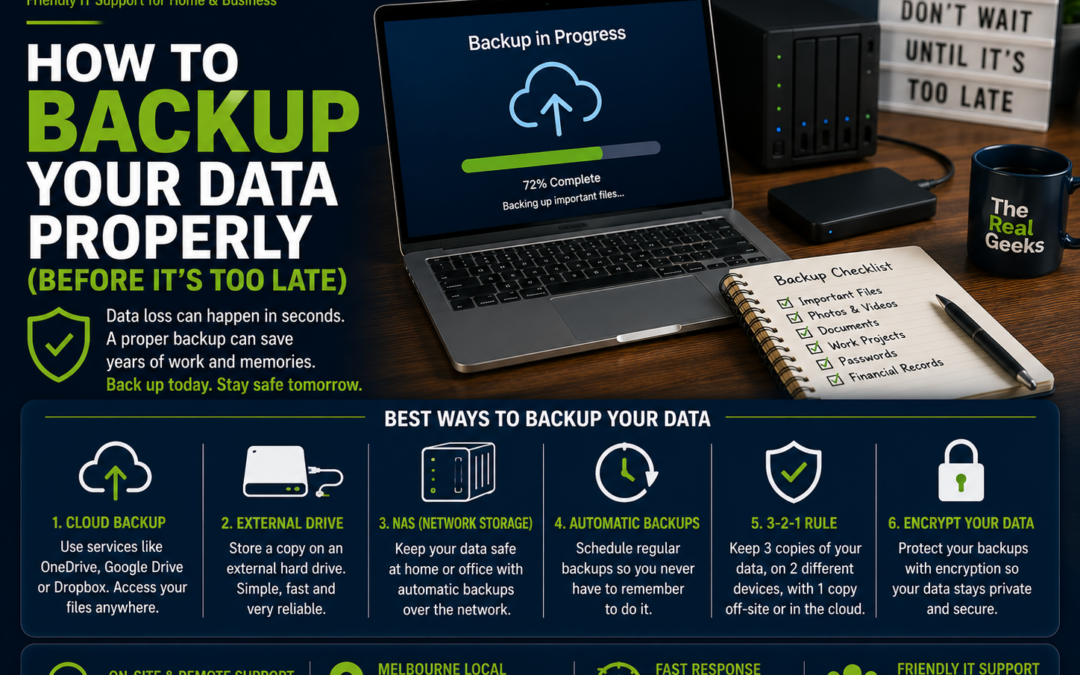
How to Backup Your Data Properly (Before It's Too Late)
Imagine turning on your computer one morning only to discover that years of family photos, important documents, business files, and personal memories have disappeared. Whether it's caused by a hard drive failure, accidental deletion, theft, ransomware, or a damaged device, data loss can happen without warning.
The good news is that a proper backup strategy can protect your valuable information and give you peace of mind. In this guide, we'll explain the best ways to back up your data before it's too late.
Why Backing Up Your Data Matters
Many people assume their files are safe because they're stored on their computer.
Unfortunately, computers can fail unexpectedly.
Common causes of data loss include:
-
Hard drive failure
-
Accidental deletion
-
Virus or ransomware attacks
-
Theft or loss of a device
-
Fire, flood, or other physical damage
-
Software corruption
-
Failed Windows updates
Without a backup, recovering your files can be difficult—or impossible.
What Should You Back Up?
Think beyond just documents.
Important items include:
-
Family photos and videos
-
Personal documents
-
Work files
-
Tax records
-
School assignments
-
Email archives
-
Password databases
-
Music collections
-
Financial records
-
Browser bookmarks
If replacing it would be difficult, it should be backed up.
The 3-2-1 Backup Rule
One of the most effective backup strategies is the 3-2-1 Rule.
It means:
-
3 copies of your important data.
-
2 different types of storage (for example, your computer and an external hard drive).
-
1 copy stored offsite, such as in the cloud.
This approach protects your files from both hardware failure and disasters like theft or fire.
Option 1. Cloud Backup
Cloud storage automatically copies your files to secure online servers.
Popular services include:
-
Microsoft OneDrive
-
Google Drive
-
Apple iCloud
-
Dropbox
Benefits:
-
Automatic backups
-
Access your files anywhere
-
Protection if your computer is lost or stolen
-
Easy file sharing
-
Version history for many files
Cloud backup is one of the simplest ways to protect your data.
Option 2. External Hard Drive
An external hard drive provides a local copy of your files.
Advantages include:
-
Fast backups
-
Large storage capacity
-
No monthly subscription for the drive itself
-
Quick file recovery
Remember to disconnect the drive after the backup is complete. If it's always connected, malware or ransomware could potentially affect it as well.
Option 3. Network Attached Storage (NAS)
A NAS device is ideal for families or small businesses with multiple computers.
Benefits include:
-
Centralised storage
-
Automatic backups
-
File sharing between devices
-
Large storage capacity
-
Expandable storage options
Many NAS systems also support cloud synchronisation for additional protection.
Enable Automatic Backups
The best backup is the one you don't have to remember.
Set your devices to back up automatically so your latest files are protected without any extra effort.
Most modern operating systems include built-in backup tools.
Don't Forget Your Mobile Phone
Your smartphone contains valuable data too.
Back up:
-
Photos
-
Videos
-
Contacts
-
Messages
-
Notes
-
App data
Both iPhone and Android devices offer automatic cloud backup options that can be enabled in just a few minutes.
Test Your Backups
Many people create backups but never check whether they actually work.
Every few months:
-
Restore a few files.
-
Open them to confirm they're intact.
-
Check that your backup software is running successfully.
-
Ensure your external drive is still functioning properly.
A backup is only useful if you can restore your data.
Protect Your Backup
Your backup should be just as secure as your computer.
Use:
-
Strong passwords
-
Multi-Factor Authentication (MFA) for cloud accounts
-
Encryption where available
-
Secure storage for external drives
This helps prevent unauthorised access to your files.
Common Backup Mistakes
Avoid these common errors:
-
Never backing up at all
-
Keeping only one copy of important files
-
Leaving external drives permanently connected
-
Forgetting to back up photos and videos
-
Ignoring backup errors
-
Assuming cloud synchronisation is the same as a full backup
-
Never testing file restoration
A little planning today can prevent a major headache tomorrow.
How Often Should You Back Up?
The answer depends on how often your files change.
As a general guide:
-
Personal computers: Weekly
-
Family photos and videos: Automatically
-
Home businesses: Daily
-
Business documents: Daily or continuously using cloud services
The more valuable the data, the more frequently it should be backed up.
Why Professional Backup Solutions Matter
For many households and small businesses, choosing the right backup solution can be confusing.
At The Real Geeks, we help customers:
-
Set up automatic cloud backups
-
Configure external backup drives
-
Install and configure NAS devices
-
Protect computers against data loss
-
Recover files where possible
-
Secure backup systems with encryption and MFA
We'll recommend a solution that suits your needs and budget.
Final Thoughts
Data loss usually happens without warning, but losing your files doesn't have to be inevitable. With a combination of cloud storage, external backups, and automatic scheduling, you can protect your photos, documents, and important information from unexpected disasters.
Don't wait until something goes wrong. A few minutes spent setting up a reliable backup today could save years of memories and valuable work tomorrow.
Need Help Protecting Your Data?
Whether you need help setting up cloud backups, transferring files, or protecting your home or business computer, The Real Geeks is here to help.
We provide friendly onsite and remote IT support throughout Melbourne, helping you keep your data safe and recoverable.
📞 Call us today on 0405 350 248 to discuss the best backup solution for your home or business.