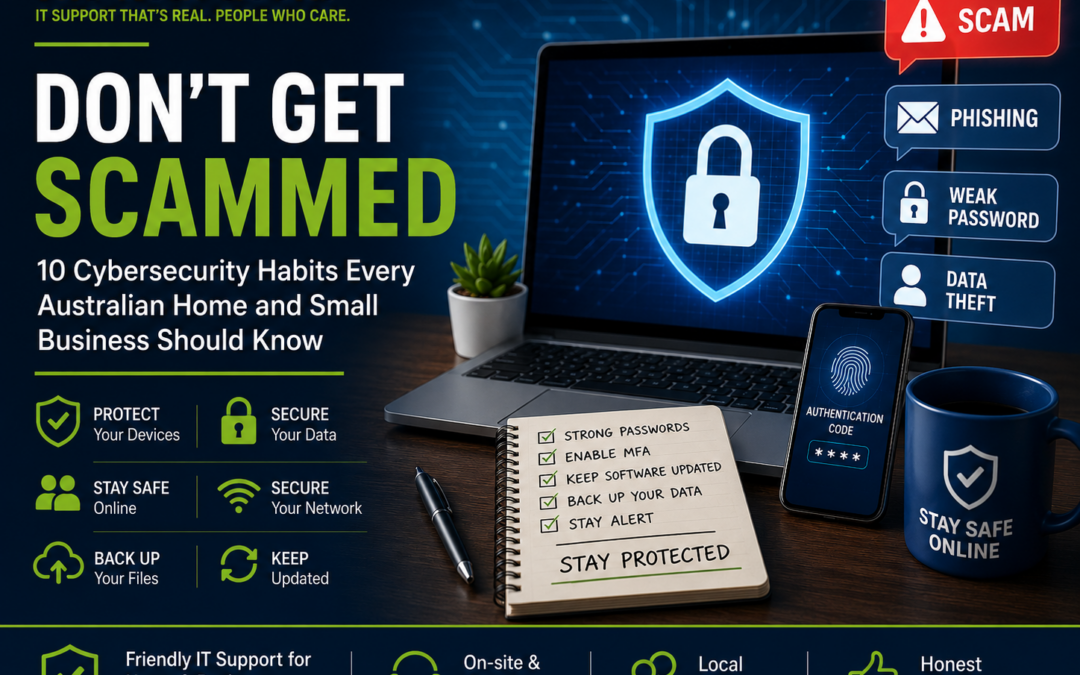
Don't Get Scammed: 10 Cybersecurity Habits Every Australian Home and Small Business Should Know
Cybercrime isn't just something that happens to large corporations anymore. Every day, Australians receive fake text messages, phishing emails, fraudulent phone calls, and malware attacks designed to steal personal information and money.
At The Real Geeks, we regularly help customers recover from scams, remove viruses, secure home Wi-Fi networks, and protect business computers. The good news is that most cyber attacks can be prevented by following a few simple habits.
Here are our top 10 cybersecurity tips.
1. Never Click a Link Without Checking It
Scammers often send messages pretending to be:
- Australia Post
- MyGov
- Banks
- Microsoft
- PayPal
- Netflix
- Telstra
- Amazon
Before clicking any link:
- Read the sender's email carefully.
- Hover over links to see where they actually go.
- When in doubt, visit the company's official website yourself instead of using the link.
If something feels urgent or threatening, that's usually the first warning sign.
2. Use Strong Passwords
Avoid passwords such as:
- Password123
- Welcome1
- Your pet's name
- Birthdays
Instead:
- Use at least 16 characters.
- Mix uppercase, lowercase, numbers and symbols.
- Use a different password for every account.
A password manager makes this much easier.
3. Turn On Multi-Factor Authentication (MFA)
Even if someone steals your password, MFA adds another layer of protection.
Enable it for:
- Email accounts
- Banking
- Microsoft 365
- Business applications
This simple step blocks many common attacks.
4. Keep Your Devices Updated
Software updates aren't just about new features.
They fix security vulnerabilities that hackers actively exploit.
Always keep updated:
- Windows
- macOS
- iPhone
- Android
- Browsers
- Antivirus software
- Wi-Fi routers
Automatic updates are the safest option.
5. Back Up Your Important Files
Imagine losing:
- Family photos
- Business invoices
- Customer records
- Tax documents
A proper backup can save you thousands of dollars.
A good backup strategy includes:
- External hard drive
- Cloud backup
- Automatic scheduled backups
6. Secure Your Home Wi-Fi
Your Wi-Fi network is the front door to your digital life.
Make sure you:
- Change the default router password.
- Use WPA3 or WPA2 encryption.
- Disable WPS.
- Keep router firmware updated.
- Create a separate Guest Wi-Fi network for visitors.
7. Watch for Remote Access Scams
A common scam involves someone claiming to be from:
- Microsoft
- Telstra
- NBN
- Internet provider
- Bank security team
They ask you to install remote software so they can "fix" your computer.
Legitimate companies will not cold-call you asking for remote access.
If unsure:
Hang up and contact the company using their official phone number.
8. Protect Your Business Email
Business Email Compromise (BEC) scams are increasing.
Scammers impersonate:
- Suppliers
- Directors
- Staff members
Always verify:
- Invoice payment requests
- Bank account changes
- Urgent payment instructions
One quick phone call can prevent thousands of dollars in losses.
9. Install Quality Antivirus Protection
Modern antivirus software does much more than remove viruses.
It helps protect against:
- Ransomware
- Phishing websites
- Dangerous downloads
- Suspicious behaviour
- Identity theft
Think of it as another security layer—not your only defence.
10. Ask for Help Early
Many people wait until:
- Their computer stops working.
- They lose important files.
- They've already been scammed.
Getting help early is often faster, cheaper, and far less stressful than fixing the damage later.
If something doesn't seem right, it's always worth having it checked.
Need Friendly IT Support?
Whether you're working from home, running a small business, or simply need help with your family devices, The Real Geeks is here to help.
We provide:
- Computer repairs and troubleshooting
- Virus and malware removal
- Home and business Wi-Fi setup
- Microsoft 365 support
- Printer setup and networking
- New PC and laptop setup
- Data backup and recovery
- Remote and on-site IT support
We believe IT support should be straightforward, honest, and jargon-free. Our goal is to solve your technology problems quickly so you can get back to what matters most.
Final Thoughts
Cybersecurity doesn't have to be complicated. A few smart habits can significantly reduce your risk of becoming the next victim of a scam or cyberattack.
If you need help securing your home or business technology, or you'd like a professional IT health check, The Real Geeks is only a phone call away.
Stay safe. Stay connected. Stay protected—with The Real Geeks.