
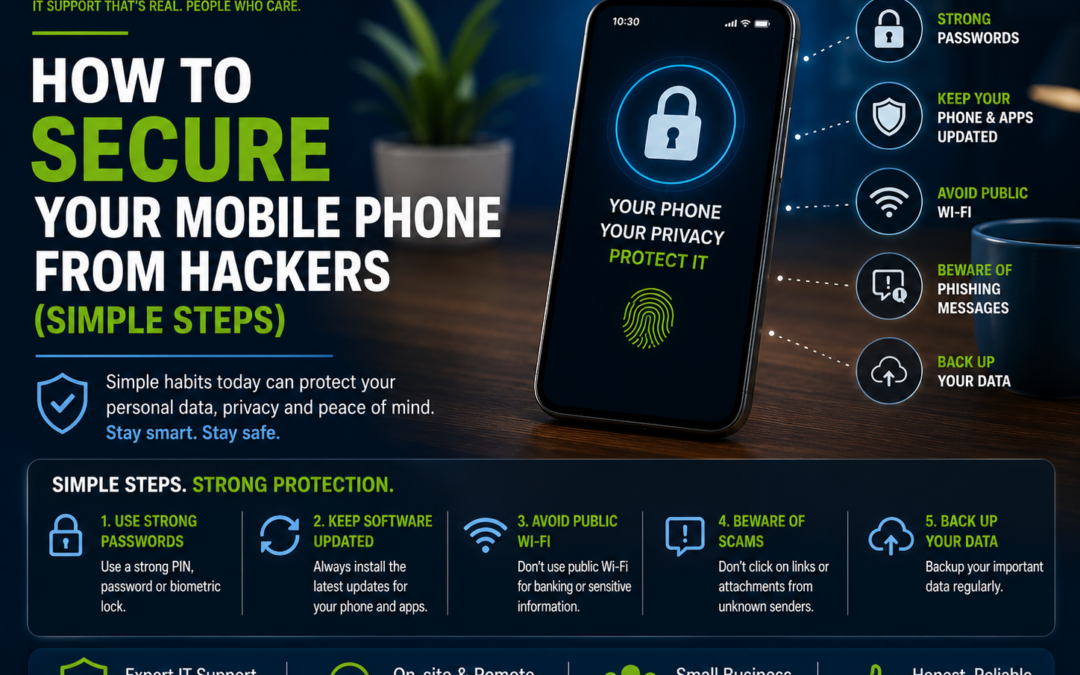
How to Secure Your Mobile Phone from Hackers (Simple Steps)
Your smartphone holds more personal information than ever before. From banking apps and emails to photos, passwords, and social media accounts, it's one of your most valuable devices. Unfortunately, it's also a common target for hackers and scammers.
The good news is that protecting your mobile phone doesn't require advanced technical knowledge. By following a few simple steps, you can significantly reduce the risk of being hacked.
1. Keep Your Phone Updated
One of the easiest ways to protect your phone is by installing software updates as soon as they're available.
Updates often include important security patches that fix vulnerabilities hackers may try to exploit.
To stay protected:
-
Enable automatic updates.
-
Keep apps updated through the App Store or Google Play Store.
-
Restart your phone occasionally after updates are installed.
2. Use a Strong Passcode
Avoid using simple PINs such as:
-
1234
-
0000
-
Your birthday
-
Your phone number
Instead, use:
-
A six-digit or longer PIN
-
A strong password
-
Face ID or fingerprint authentication
Biometric security adds an extra layer of protection while keeping your phone easy to access.
3. Only Download Apps from Official Stores
Many fake apps are designed to steal personal information.
Always download apps from:
-
Apple App Store
-
Google Play Store
Before installing an app:
-
Read reviews.
-
Check the developer's name.
-
Look at the number of downloads.
-
Avoid apps requesting unnecessary permissions.
4. Be Careful with Public Wi-Fi
Free Wi-Fi at cafés, shopping centres, airports, and hotels can be convenient but may not always be secure.
Avoid using public Wi-Fi for:
-
Online banking
-
Shopping
-
Accessing sensitive work information
If you need to use public Wi-Fi:
-
Use a trusted VPN.
-
Avoid entering passwords unless necessary.
-
Disconnect when you've finished.
5. Enable Find My Device
If your phone is lost or stolen, this feature allows you to:
-
Locate your phone.
-
Lock it remotely.
-
Erase your data if necessary.
iPhone
Enable Find My iPhone.
Android
Enable Find My Device.
It could save your personal information if your phone falls into the wrong hands.
6. Watch Out for Phishing Messages
Scammers often send fake SMS messages or emails pretending to be:
-
Banks
-
Australia Post
-
Toll providers
-
Government agencies
-
Delivery companies
These messages usually contain links asking you to:
-
Verify your account
-
Update payment details
-
Claim a parcel
-
Confirm your identity
If you're unsure, don't click the link. Visit the company's official website or app instead.
7. Turn On Two-Factor Authentication (2FA)
Even if someone discovers your password, Two-Factor Authentication adds another level of security.
Whenever possible, enable 2FA for:
-
Email accounts
-
Banking apps
-
Facebook
-
Instagram
-
Microsoft accounts
-
Google accounts
-
Apple ID
Using an authentication app is generally more secure than receiving verification codes by SMS.
8. Review App Permissions
Many apps request access to:
-
Contacts
-
Camera
-
Microphone
-
Photos
-
Location
-
Bluetooth
Only grant permissions that are genuinely needed.
Regularly review your privacy settings and remove unnecessary access.
9. Avoid Charging Through Unknown USB Ports
Public USB charging stations can potentially expose your phone to security risks.
Instead:
-
Use your own charger.
-
Carry a portable power bank.
-
Use a power-only USB cable if you need to charge in public.
10. Back Up Your Phone Regularly
Even with strong security, accidents can happen.
Regular backups ensure you don't lose:
-
Photos
-
Contacts
-
Documents
-
Messages
-
Important files
Cloud backups make restoring your phone much easier if it's lost, stolen, or damaged.
Common Signs Your Phone May Have Been Hacked
Watch out for:
-
Battery draining unusually fast
-
Phone overheating when idle
-
Unfamiliar apps appearing
-
Pop-up advertisements
-
High mobile data usage
-
Slow performance
-
Friends receiving strange messages from you
-
Unknown charges on your accounts
If you notice several of these symptoms together, it's worth investigating further.
What to Do If You Think Your Phone Has Been Hacked
Act quickly:
-
Disconnect from Wi-Fi and mobile data.
-
Change passwords for your email, banking, and important accounts using another trusted device.
-
Remove suspicious apps.
-
Run a security scan if available.
-
Update your phone.
-
Contact your bank if financial information may have been exposed.
-
Seek professional IT assistance if the problem persists.
Final Thoughts
Most phone hacks happen because of weak passwords, fake apps, phishing scams, or outdated software—not because hackers are using sophisticated techniques.
By keeping your phone updated, using strong security settings, and staying cautious online, you can greatly reduce the risk of becoming a victim.
At The Real Geeks, we help homeowners and small businesses across Melbourne with mobile phone setup, security checks, email protection, Wi-Fi security, and general IT support. Whether you use an iPhone or Android device, we can help keep your technology secure and running smoothly.
Need Help Securing Your Mobile Phone?
If you're worried your phone has been compromised or you'd like help improving its security, The Real Geeks is here to help.
Call us today on 0405 350 248 for friendly onsite or remote IT support across Melbourne.