
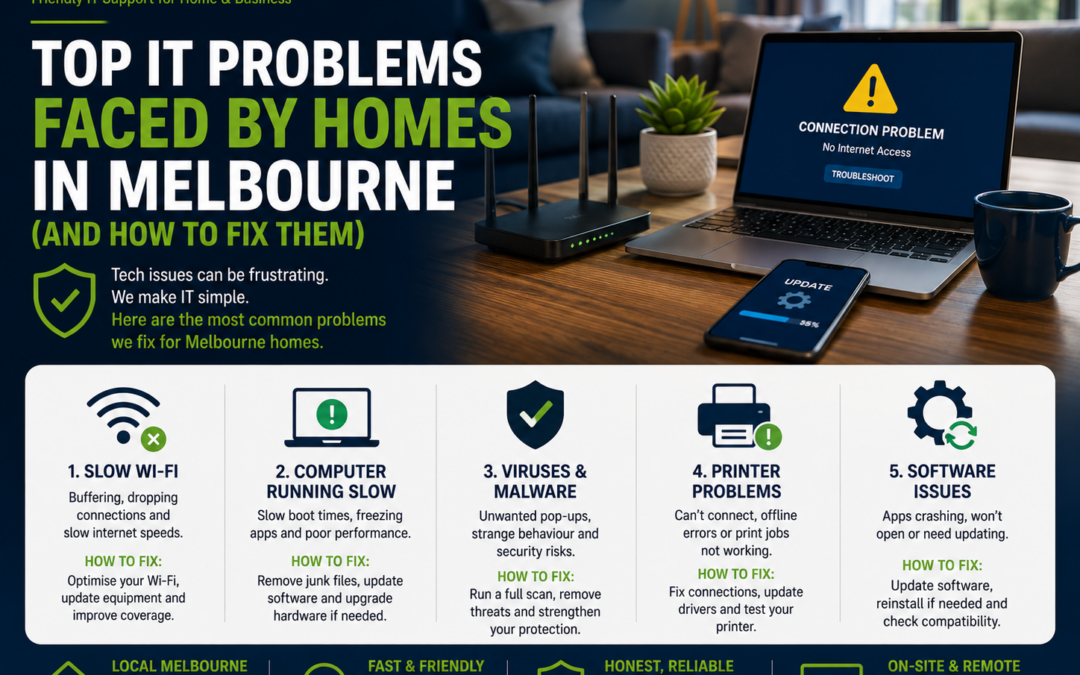
Top IT Problems Faced by Homes in Melbourne (And How to Fix Them)
Technology has become an essential part of everyday life. Whether you're working from home, streaming your favourite shows, helping the kids with online learning, or managing smart home devices, reliable technology makes everything easier.
Unfortunately, many Melbourne households experience common IT problems that can disrupt daily life. The good news is that most of these issues can be resolved quickly with the right approach.
Here are the most common home IT problems and practical ways to fix them.
1. Slow Wi-Fi Throughout the House
One of the most common complaints is poor Wi-Fi coverage.
You may notice:
-
Videos buffering
-
Zoom meetings dropping out
-
Slow web browsing
-
Weak signal in bedrooms or outdoor areas
How to fix it:
-
Place your router in a central location.
-
Keep it away from brick walls and metal objects.
-
Restart your modem and router regularly.
-
Upgrade to a Wi-Fi 6 router if your equipment is several years old.
-
Consider installing a Mesh Wi-Fi system for larger homes.
2. Slow or Freezing Computer
If your computer takes several minutes to start or constantly freezes, it can quickly become frustrating.
Common causes include:
-
Too many startup programs
-
Low storage space
-
Outdated hardware
-
Malware
-
Windows updates waiting to install
How to fix it:
-
Remove unnecessary startup programs.
-
Install the latest updates.
-
Free up disk space.
-
Upgrade from a traditional hard drive (HDD) to an SSD.
-
Run a virus scan.
Older computers often feel like new again after an SSD upgrade.
3. Printer Not Printing
Almost every household has experienced a printer refusing to work just when it's needed.
Common issues include:
-
Printer showing "Offline"
-
Wi-Fi connection lost
-
Driver problems
-
Paper jams
-
Ink or toner errors
How to fix it:
-
Restart the printer.
-
Check the Wi-Fi connection.
-
Reconnect the printer to your network.
-
Update the printer driver.
-
Remove and reinstall the printer if necessary.
4. Mobile Phone Running Slowly
Over time, smartphones can become sluggish.
Possible reasons include:
-
Too many apps
-
Low storage
-
Background processes
-
Outdated software
How to fix it:
-
Delete apps you no longer use.
-
Remove duplicate photos and videos.
-
Restart your phone regularly.
-
Install the latest software updates.
-
Check your battery health if the phone is several years old.
5. Email Not Working
Email problems can affect work, school, and personal communication.
Common issues include:
-
Password errors
-
Full mailbox
-
Sync problems
-
Incorrect email settings
How to fix it:
-
Check your internet connection.
-
Restart the email app.
-
Verify your password.
-
Update the email application.
-
Remove and re-add the account if required.
6. Pop-Ups, Viruses & Scams
Cyber threats are becoming increasingly common.
Warning signs include:
-
Endless pop-up advertisements
-
Slow performance
-
Unknown software appearing
-
Suspicious emails
-
Fake security warnings
How to fix it:
-
Install reputable antivirus software.
-
Keep Windows and apps updated.
-
Avoid clicking suspicious links.
-
Download software only from trusted websites.
-
Regularly scan your computer for malware.
7. Running Out of Storage
When your computer or phone is almost full, performance often suffers.
How to fix it:
-
Delete unnecessary files.
-
Empty the recycle bin.
-
Move photos to cloud storage.
-
Remove duplicate files.
-
Upgrade your storage if required.
Regular housekeeping helps keep your devices running smoothly.
8. Smart Home Devices Keep Disconnecting
Many Melbourne homes now use:
-
Smart TVs
-
Security cameras
-
Doorbells
-
Smart speakers
-
Smart lighting
-
Smart plugs
If these devices frequently disconnect, the issue is often your Wi-Fi network.
How to fix it:
-
Improve Wi-Fi coverage.
-
Update device firmware.
-
Reduce interference from nearby electronics.
-
Ensure your router supports multiple connected devices.
9. Computer Won't Start
Few things are more stressful than pressing the power button and getting no response.
Possible causes include:
-
Power supply issues
-
Hardware failure
-
Windows corruption
-
Faulty RAM
-
Failing hard drive
How to fix it:
-
Check all power cables.
-
Disconnect unnecessary accessories.
-
Listen for unusual noises.
-
Try Safe Mode if Windows begins loading.
-
Seek professional assistance if the computer won't boot.
10. Losing Important Photos & Documents
Many people assume their files are safe until something goes wrong.
Hard drives can fail without warning.
How to protect your data:
-
Back up important files regularly.
-
Use cloud storage.
-
Keep a second backup on an external drive.
-
Test your backups occasionally to ensure they can be restored.
A good backup strategy can save years of memories and important documents.
Simple Ways to Prevent Most IT Problems
You don't need to be a technology expert to keep your devices in good condition.
A few simple habits can make a big difference:
-
Keep Windows, macOS, Android, and iPhone software up to date.
-
Restart devices regularly.
-
Use strong, unique passwords.
-
Enable Multi-Factor Authentication (MFA) where available.
-
Back up important files.
-
Keep your antivirus software updated.
-
Don't ignore unusual behaviour such as slow performance or frequent crashes.
Preventative maintenance is often quicker and cheaper than fixing a major problem later.
Why Choose The Real Geeks?
At The Real Geeks, we provide friendly, reliable IT support for homes across Melbourne.
We can help with:
-
Computer repairs and upgrades
-
Wi-Fi troubleshooting
-
Printer setup and repairs
-
Mobile phone setup
-
Microsoft 365 support
-
Home network configuration
-
Smart home device setup
-
Data backup solutions
-
Virus and malware removal
-
Remote and onsite IT support
Whether it's a small issue or a complete technology makeover, we're here to help.
Final Thoughts
Technology should make life easier—not more frustrating. Most common home IT problems can be prevented or resolved with the right setup, regular maintenance, and a little expert advice when needed.
If your computer is running slowly, your Wi-Fi keeps dropping out, or your printer refuses to cooperate, don't let the problem linger.
Need Help with Your Home Technology?
The Real Geeks provides affordable, friendly IT support for homes throughout Melbourne.
From computer repairs and Wi-Fi optimisation to printer setup and mobile phone support, we'll get your technology working the way it should.
📞 Call us today on 0405 350 248 to book onsite or remote IT support.